


Chase Sapphire cardholders just picked up another perk – and it takes about two minutes to get set up.
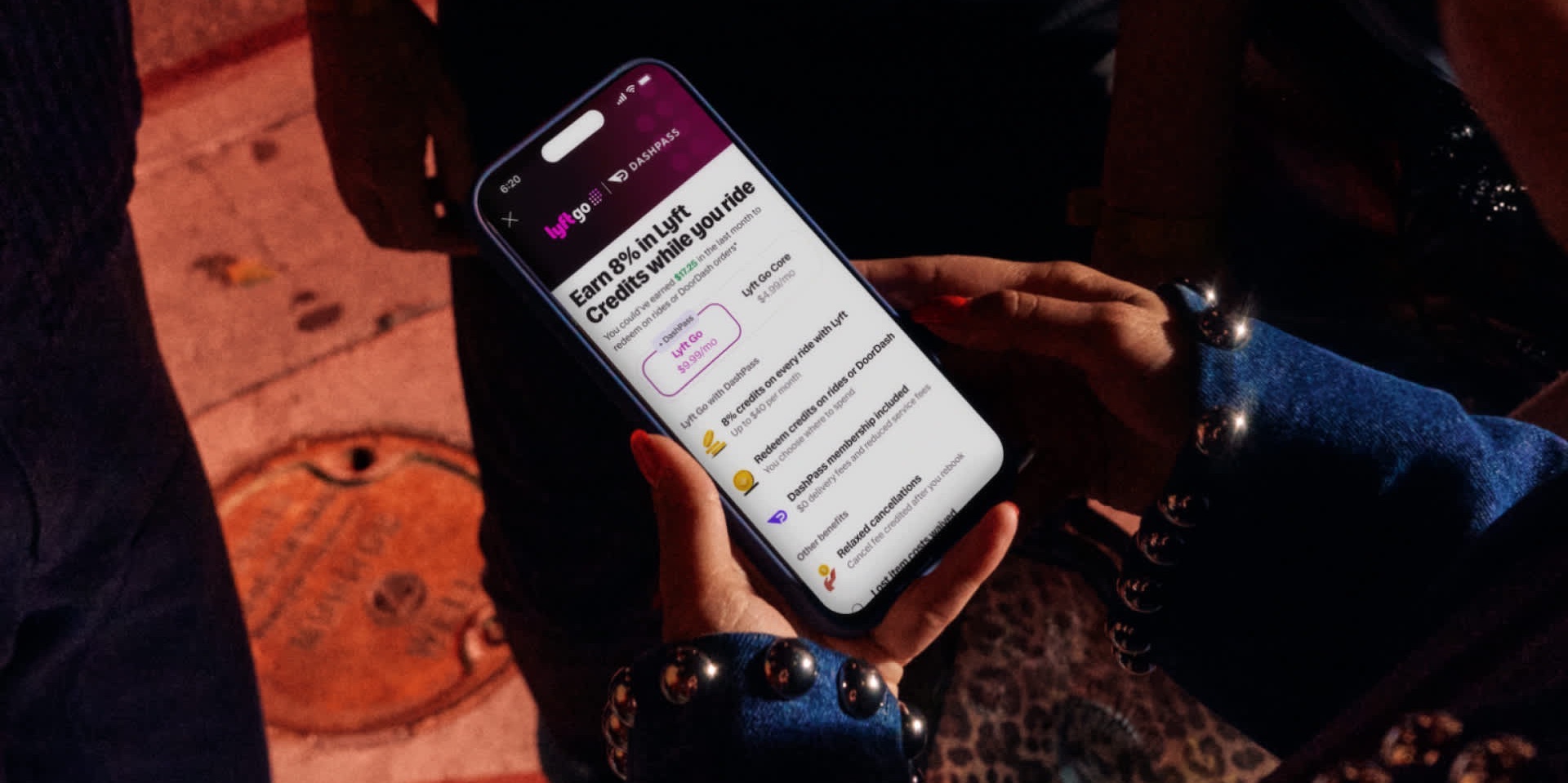
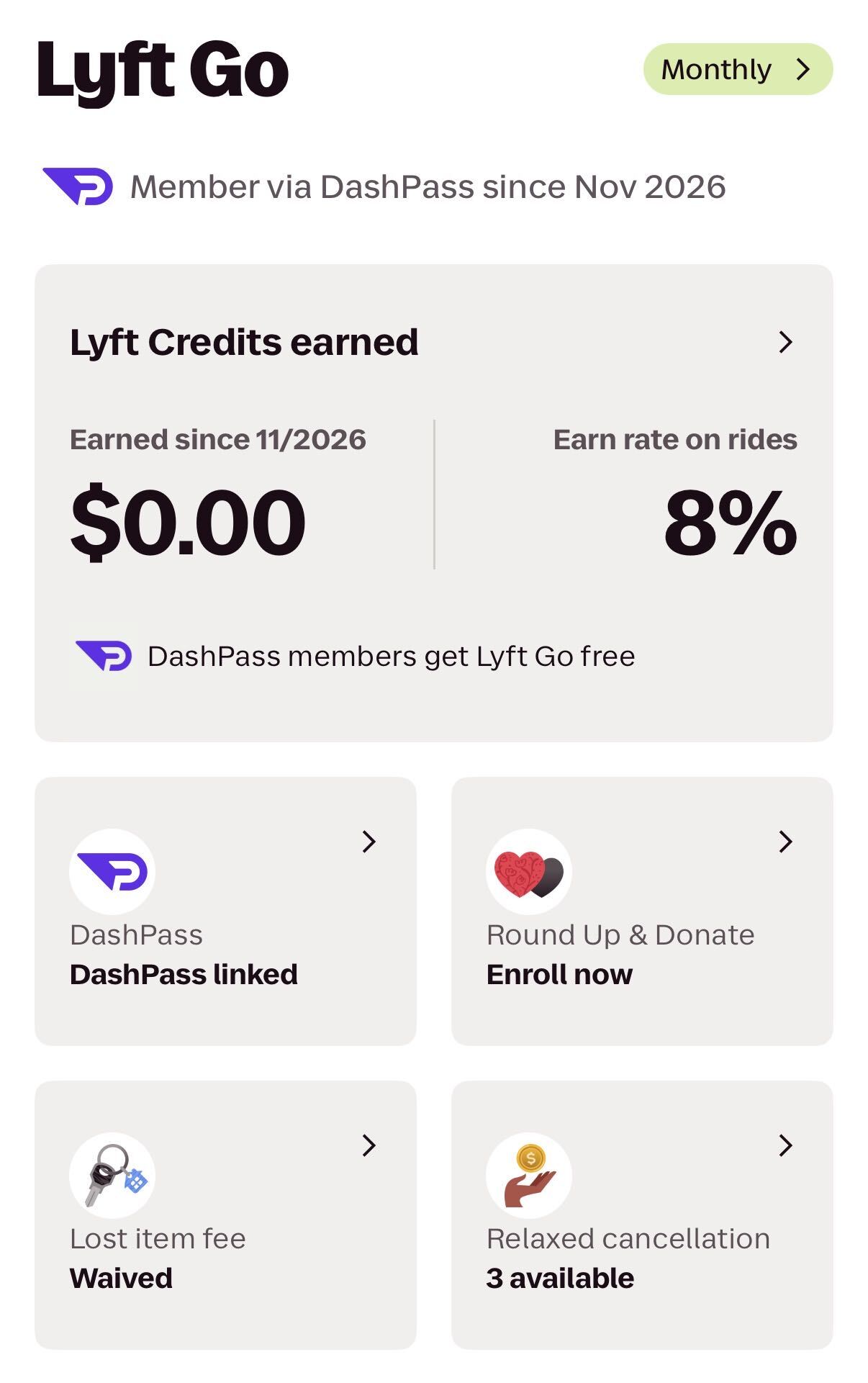
Last week, Lyft rolled out Lyft Go – a new premium membership tier with benefits like 8% back in Lyft credits on rides, three free cancellations each month, waived fees when you leave something behind in a car, and a complimentary DoorDash DashPass membership.
That last benefit is key here because complimentary DashPass is a built-in benefit of both the *chase sapphire preferred* and *chase sapphire reserve*. Since DoorDash and Lyft’s partnership runs both ways, Sapphire cardholders can now claim Lyft Go for free!
Normally, Lyft Go costs $9.99 a month or $96 a year. That means Sapphire Preferred cardholders are getting a perk worth about as much as the card’s entire $95 annual fee – before you even factor in DashPass itself or any of the card’s other benefits.
Considering these are two of the most popular travel cards out there, the odds are good this new perk applies to you – and there’s very little reason not to take advantage of it.
Related reading: Which Chase Sapphire Card is Right for You?
What Do You Get With Lyft Go?
Lyft Go is effectively Lyft’s answer to Uber One – a benefit that’s complimentary for travelers with the American Express Platinum Card®. It includes benefits like waived cancellation fees, credits back on every ride, and more.
The biggest difference? Chase isn’t reserving (see what I did there?) Lyft Go for its priciest card. You can get it through the $95-per-year Sapphire Preferred – not just the ultra-premium Sapphire Reserve.
Here’s a look at the full list of benefits:
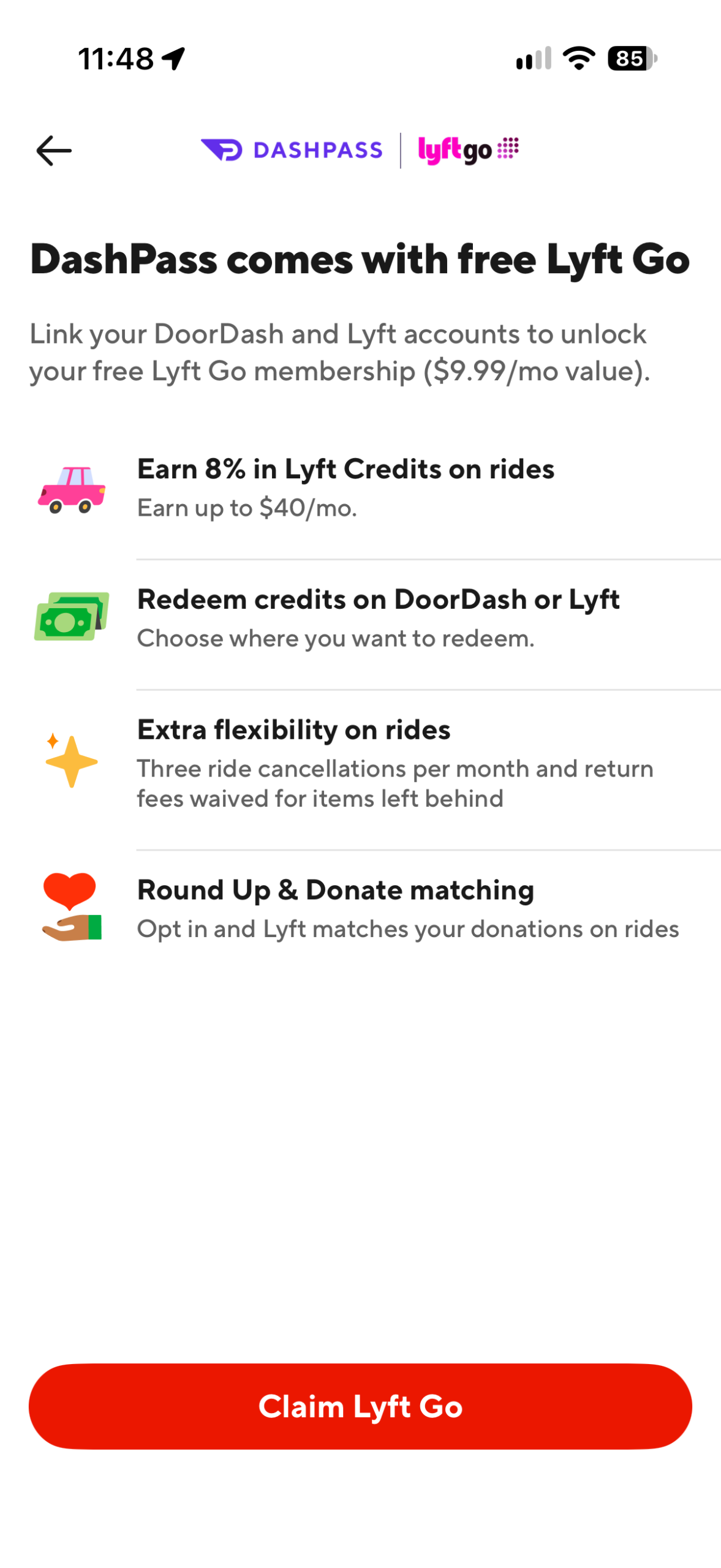
- 8% back in Lyft credits on rides, up to $40 per month
- Redeem those credits on Lyft rides or DoorDash orders – your choice
- Three relaxed ride cancellations per month
- Waived lost item return fees when you leave something behind
- Round Up & Donate matching – opt in, and Lyft matches your donations on rides
The Lyft credits are the headliner here, but, naturally, there’s some fine print that comes with them. The 8% only applies to a ride’s base fare – taxes, tolls, tips, and fees don’t count. Additionally, shared rides, “Wait & Save” rides, and rides on a Lyft Business profile don’t earn credits, period.
As for that $40 monthly cap: You’d need to spend $500 a month in base fares to hit it, so that’s not really much of a limitation for most travelers. Just know that credits expire 60 days after you earn them, so don’t let them pile up for too long.
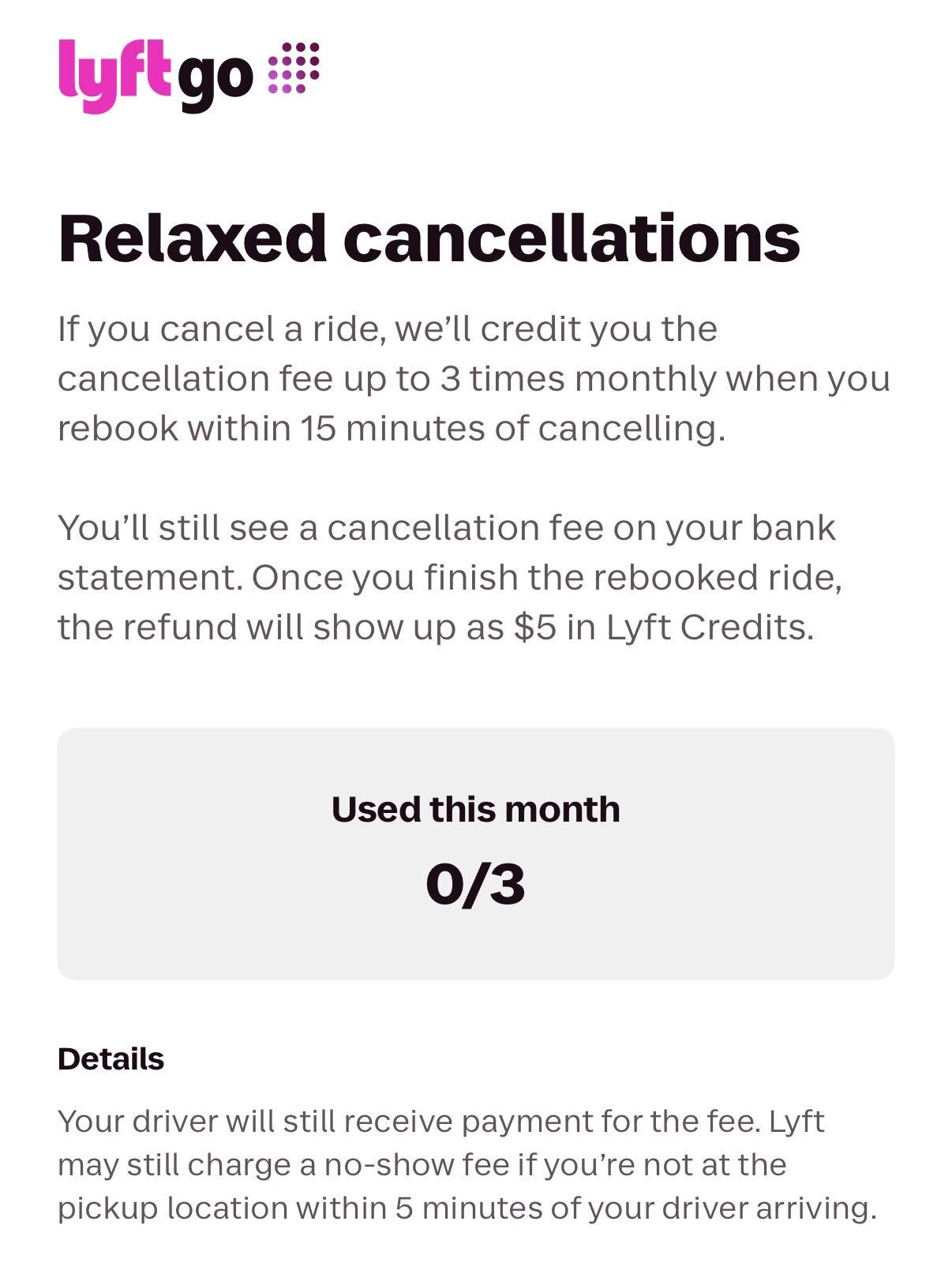
Those “relaxed cancellations” work a bit differently than you might expect, too. If you cancel a ride and rebook within 15 minutes, Lyft credits back the cancellation fee – up to three times a month. It shows up as $5 in Lyft credits once you finish the rebooked ride, so it’s not a free pass for no-shows: Lyft can (and will) still charge you if you’re not at the pickup spot within five minutes of your driver arriving.
All of these benefits pair especially well with the Sapphire Cards’ existing perks, like the Sapphire Reserve’s up to $10 a month in Lyft credit, and the 5x points both cards earn on Lyft rides (through Sept. 2027).
How to Enroll
Step 1: Activate DashPass With Your Sapphire Card
If you’re a Sapphire cardholder and haven’t activated your complimentary DashPass yet, start here.
- Download the DoorDash app and create an account – or enroll online.
- Add your Chase Sapphire Preferred or Sapphire Reserve as a payment method.
- As soon as you do, you should get a pop-up offering complimentary DashPass.
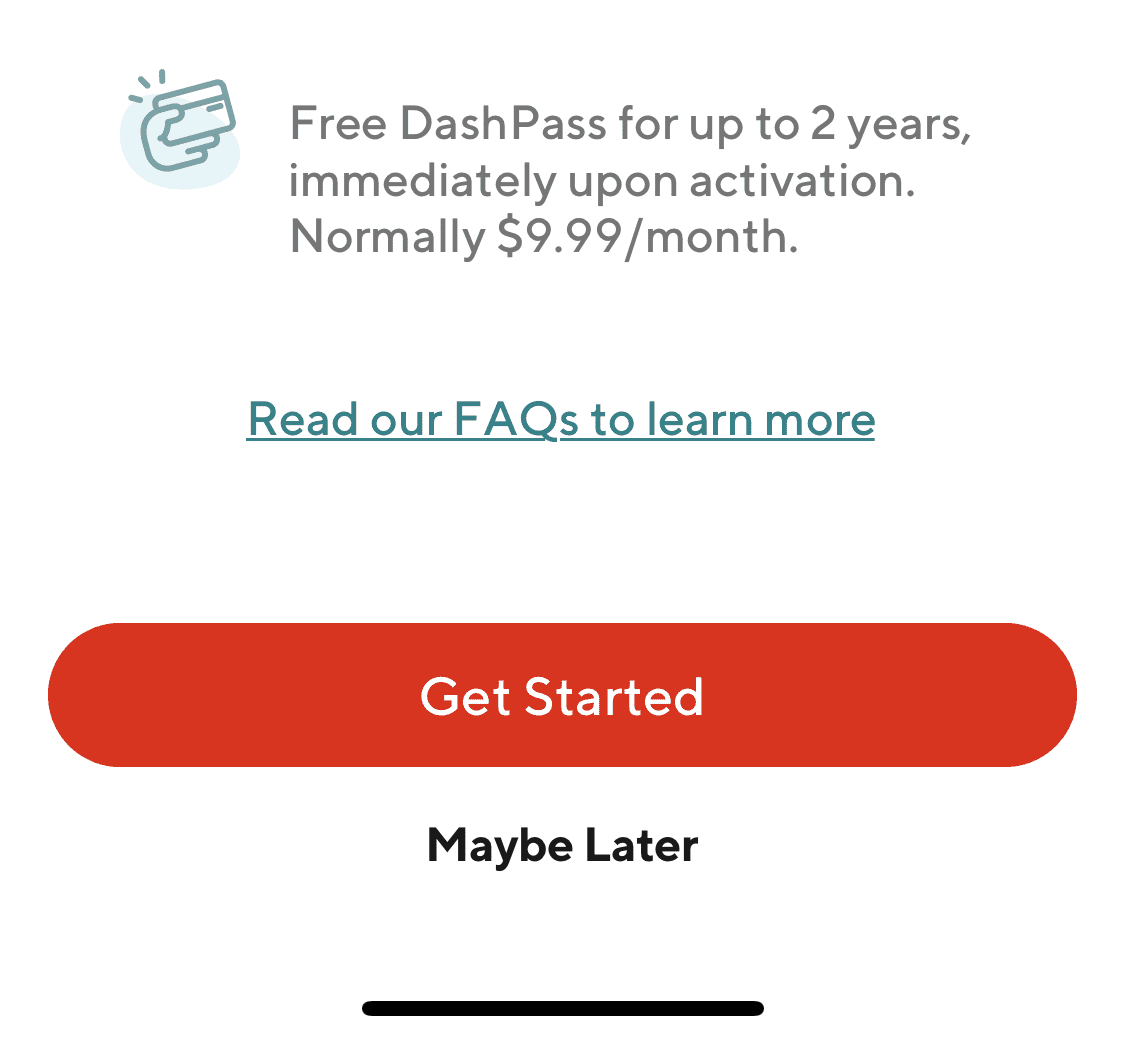
If you’re already signed up for DashPass through your Sapphire card, you don’t need to do anything – skip straight to Step 2.
Step 2: Claim Lyft Go
Once you’ve got DashPass, open the DoorDash app. You should see a “Claim free Lyft Go” banner right on the home screen.
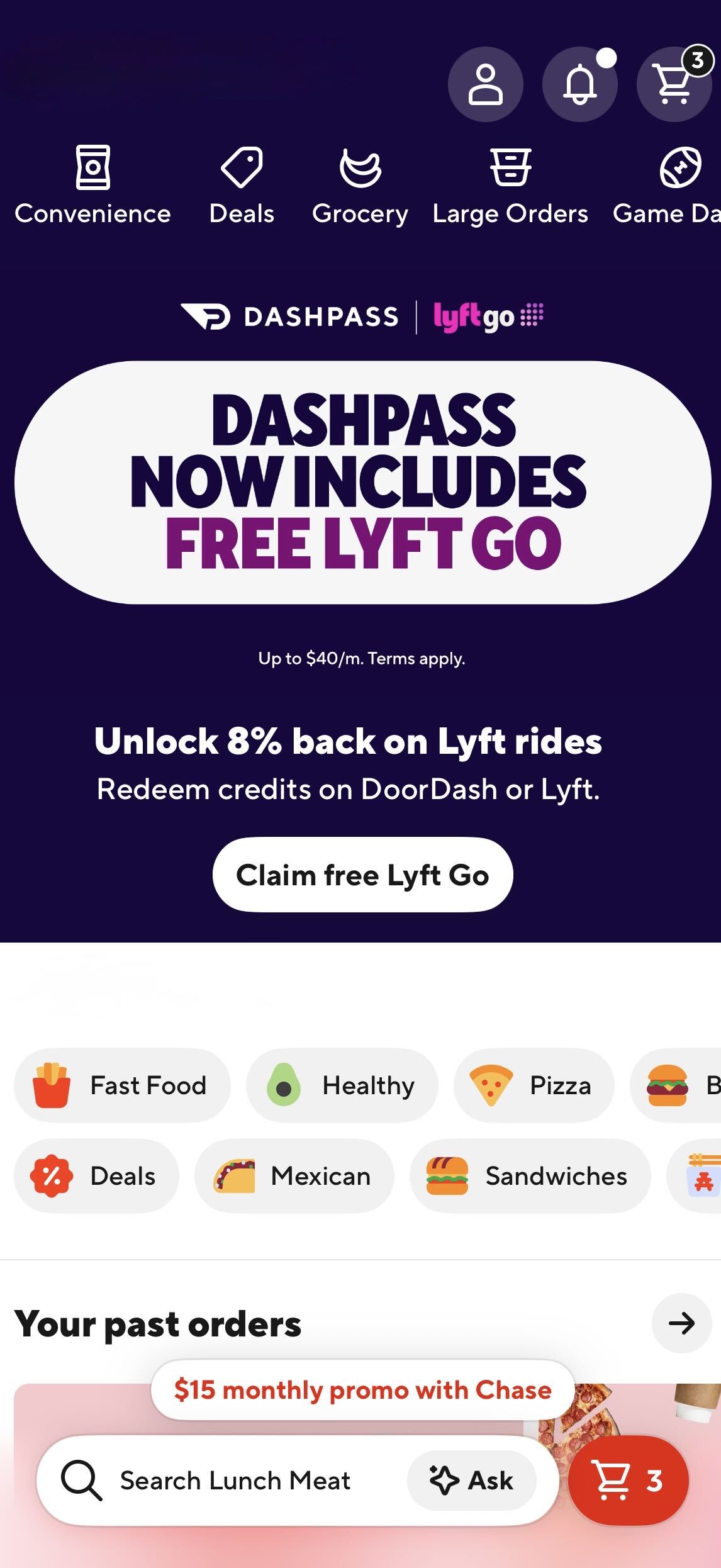
Tap it, then hit “Claim Lyft Go” and log in to your Lyft account to link the two.
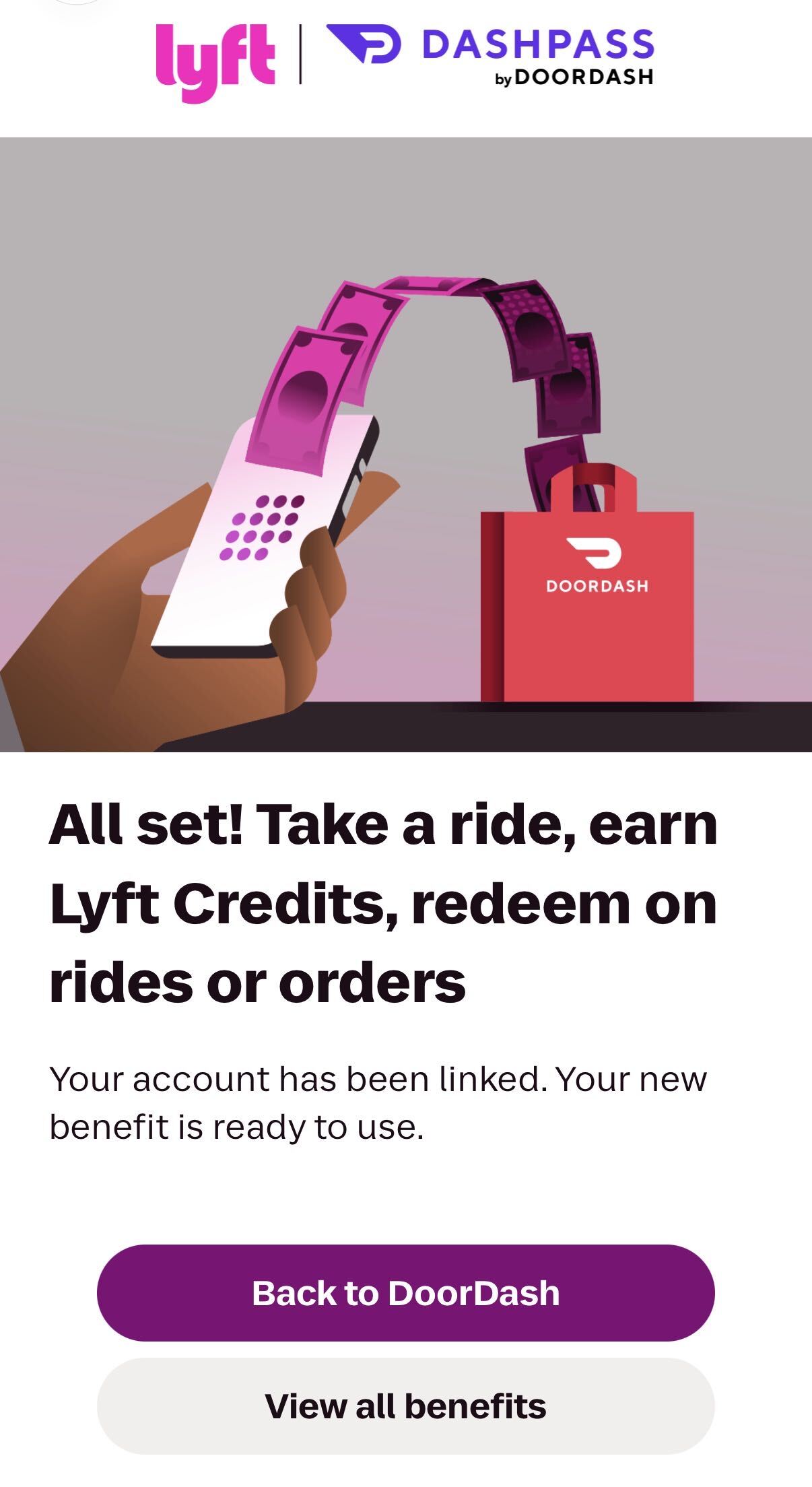
One important note: Linking your accounts alone doesn’t activate the benefit – you’ll need to complete a confirmation step in the Lyft app. Once you’re done, you’ll see a screen confirming your accounts are linked, and your new benefit is ready to use.
To double-check, open the Lyft app and tap into Lyft Go from your account menu. You should see “Member via DashPass” at the top, along with your credits earned and the rest of your benefits.
Already linked your DoorDash and Lyft accounts before Nov. 5? You still need to opt in.
Under the old partnership, linked accounts got a discount on Lyft rides – that perk ended Nov. 12, and DoorDash says you won’t get Lyft Go unless you go through the process again.
A few other things to keep in mind:
- Your Lyft Go membership lasts as long as your DashPass does. If you cancel or pause DashPass, you lose Lyft Go – and canceling forfeits any Lyft credits you’ve earned immediately.
- Already paying for Lyft Go (or the old Lyft Pink)? Cancel that paid membership through Lyft so you don’t get charged twice.
- The benefit is U.S.-only, so it won’t help you for any Lyft rides you might take abroad.
Bottom Line
Chase Sapphire Preferred and Sapphire Reserve cardholders can now get a free Lyft Go membership – a roughly $100 annual value – thanks to the complimentary DashPass benefit that comes with both cards.
The 8% back in Lyft credits won’t make you rich on its own, but it stacks nicely on top of 5x points on Lyft rides and the Reserve’s monthly Lyft credit. And unlike Amex’s Uber One perk, you don’t need a card with an ultra-premium annual fee to get it.