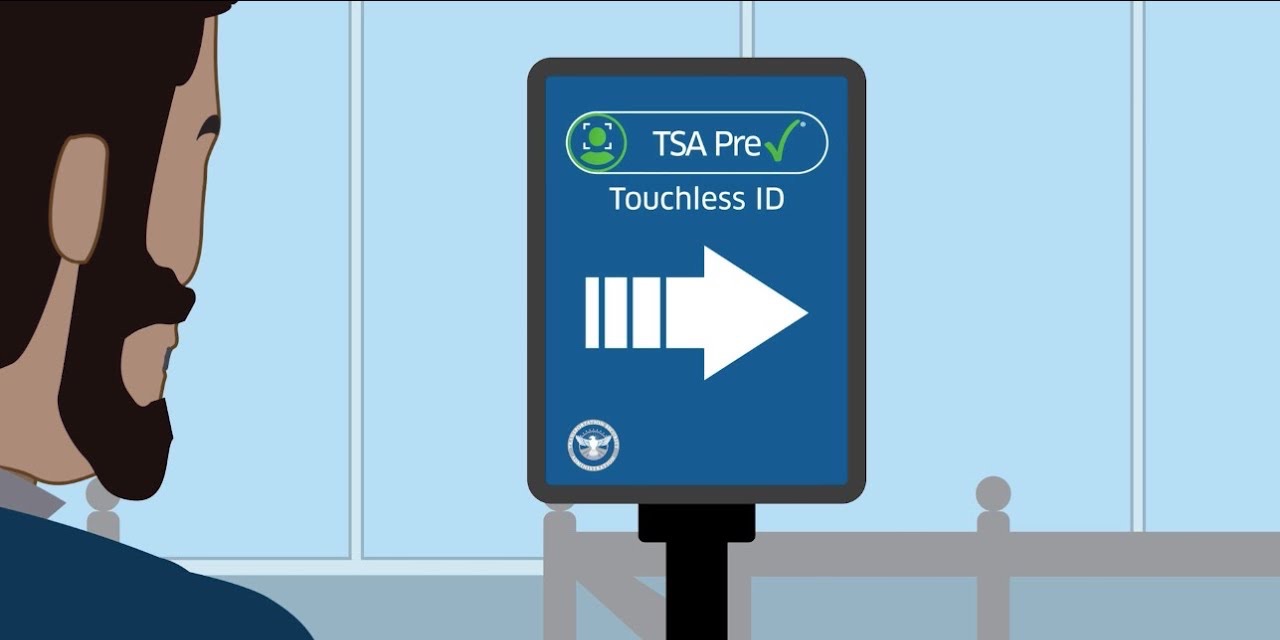



Even in good times, airport security can be a mess – and it's been downright chaos lately as a spring break surge coupled with the federal government's partial shutdown has caused TSA wait times to skyrocket. Travelers with TSA PreCheck® can get into shorter, faster lines … with a new way to supercharge that expedited service.
It's called TSA PreCheck Touchless ID. And while it comes with all the usual benefits of PreCheck – you get to keep your shoes, light jackets, and belts on, and you don't have to worry about taking liquids and electronics out of your bag – it uses facial recognition to identify pre-screened travelers, saving you from having to hand your ID over to an agent before sending your stuff through the screening area.
The real kicker? Few people even know this option exists, and the lines are typically much shorter than those for regular security or PreCheck.
If you're sold on checking this out on your next trip, read on to see how to make sure you're enrolled … and where you can actually use it.
What is TSA PreCheck Touchless ID?
TSA PreCheck Touchless ID uses facial recognition for faster, more efficient identity verification – no need to pull out (and put away) your physical ID before adding your luggage to the conveyor belt. Not only is this whole process quicker than manual verification, but relatively few travelers even know it's an option that the lines for Touchless ID tend to be much shorter.
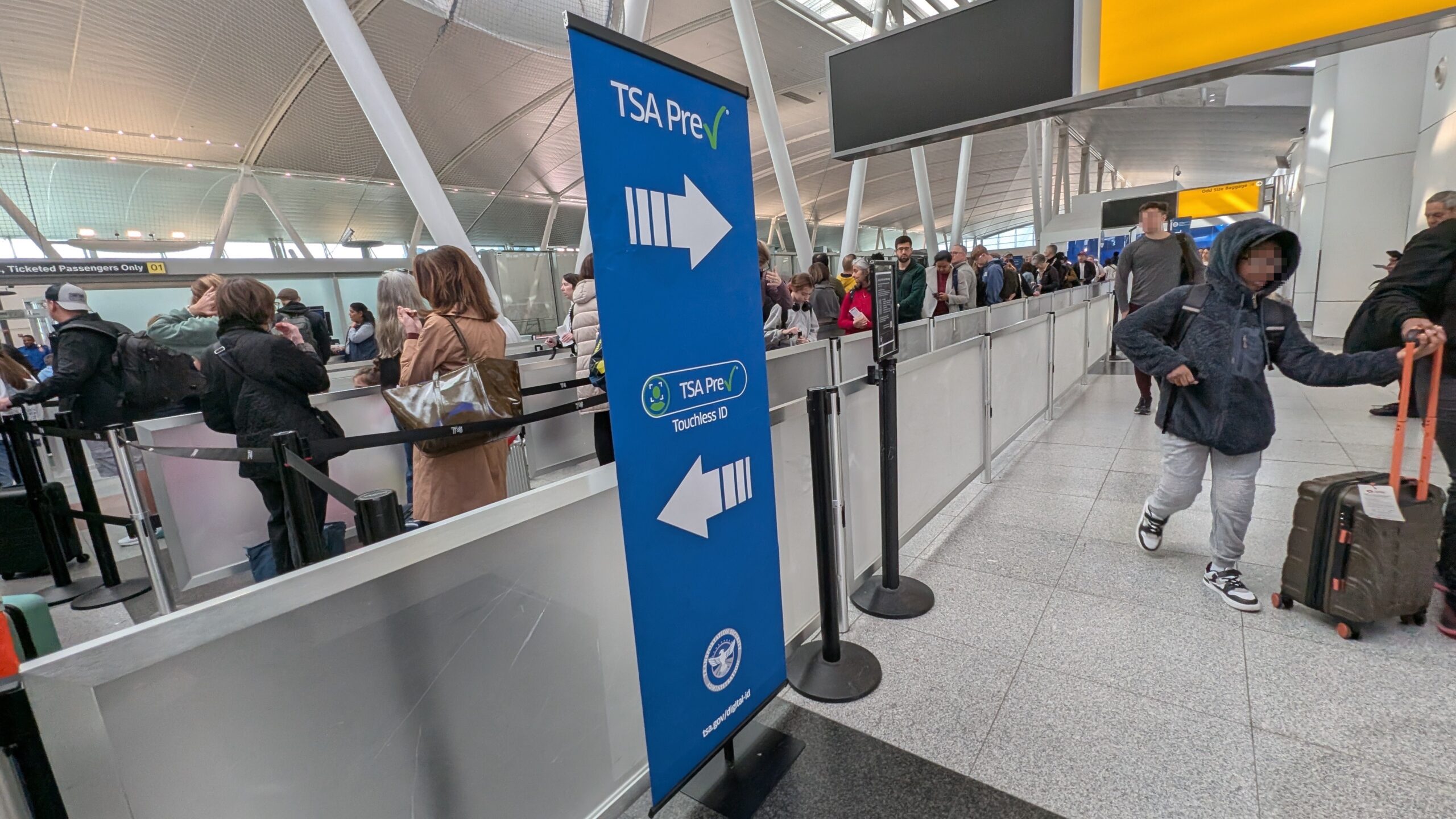
Ready to give it a try? Well, there are a few things that you'll need to know about before heading to the airport and jumping into this fast lane.
The first should be (relatively) obvious, given the name: You'll need to have an active TSA PreCheck membership. If you've got Global Entry, which gets you expedited customs and immigration screening when coming back into the U.S. from a trip abroad, it includes PreCheck benefits as well – you're all set.
Next, you'll need to have an active frequent flyer or loyalty account with an eligible airline – and critically, you must opt in with the airline to be eligible for TSA PreCheck Touchless ID benefits (more on this in a bit). You'll also need to ensure your passport information is up to date in your airline profile … yes, even if you're just traveling domestically.
Finally – and this part is key – you'll need to be flying the right airline … and departing from the right airport.
So far, the list of eligible airlines includes:
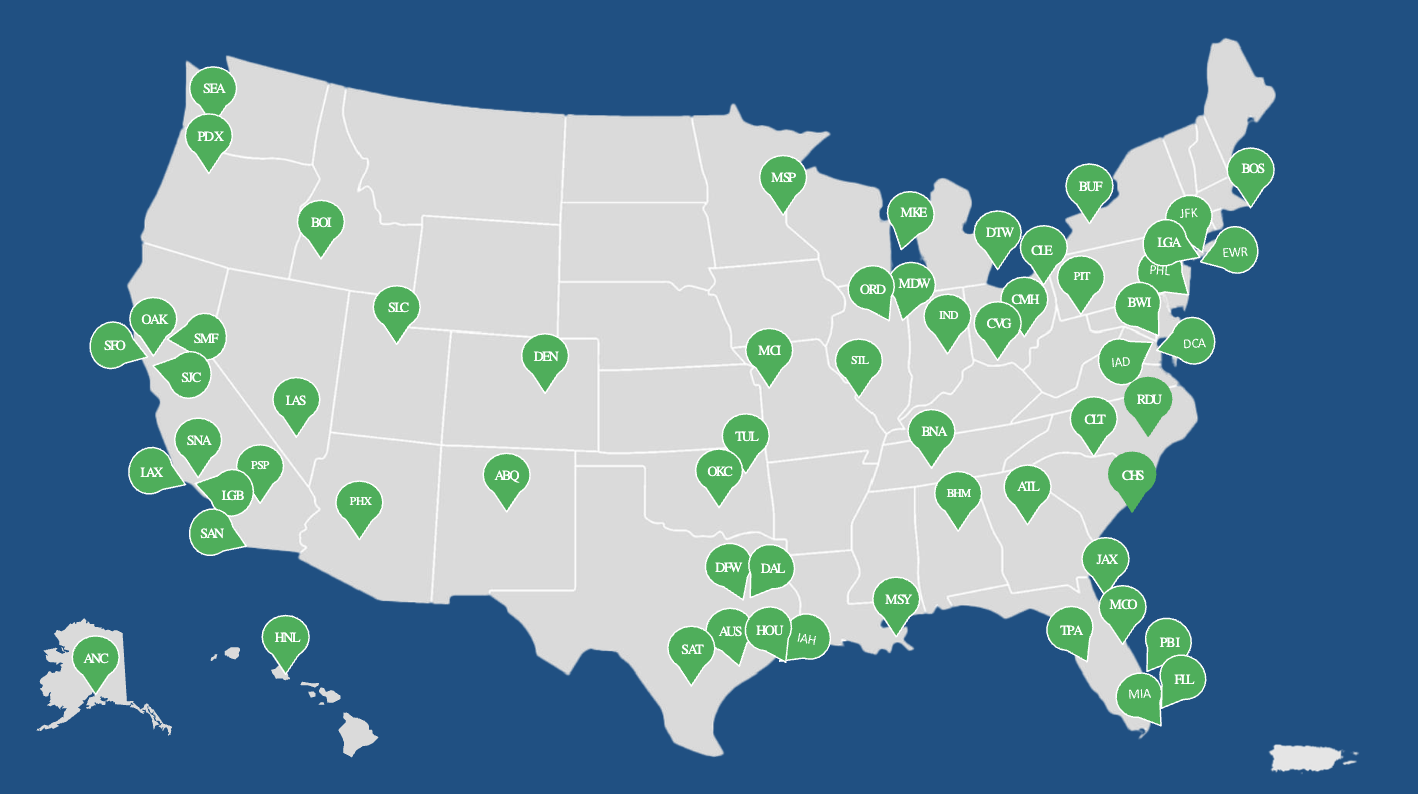
The Transportation Security Administration (TSA) says that Touchless ID will be available at 65 different U.S. airports by this spring. While they haven't published a full list, the TSA website includes a map showing where you'll find these Touchless ID lanes. Not surprisingly, all of the participating airlines' major hubs (and even some minor ones) are covered.
Assuming you check all those boxes, you should see a PreCheck Touchless ID indicator on your boarding pass, and you can proceed to the dedicated line.
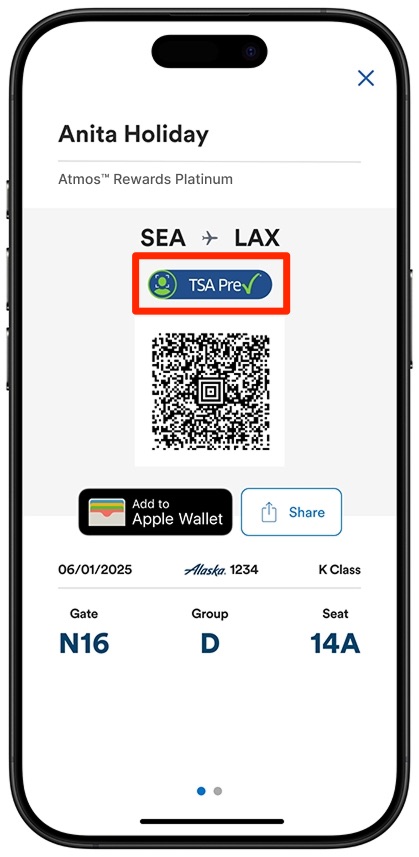
Just know that you'll still need to carry a physical, TSA-compliant Real ID when traveling. You may not be asked for it when using Touchless ID, but having a physical ID is still a requirement anytime you fly.
How to Enroll With Each Airline
This step is key to making sure you have access to these (sometimes drastically) shorter lines: You need to opt in with each airline individually.
Whether you're using the mobile app or the desktop version of your favorite airline's website, opting in to TSA PreCheck Touchless ID is pretty straightforward. If you get tripped up, we'll spell it out in more step-by-step details for each airline below.
Alaska Airlines
To opt in with Alaska Airlines, log in to your Atmos Rewards account and navigate to “Profile & Settings.” You'll need to make sure your profile includes both your TSA PreCheck Known Traveler Number (KTN) and a valid passport.
Once both are saved in your profile, select “Add TSA PreCheck Touchless ID,” check the opt-in box, and save it.
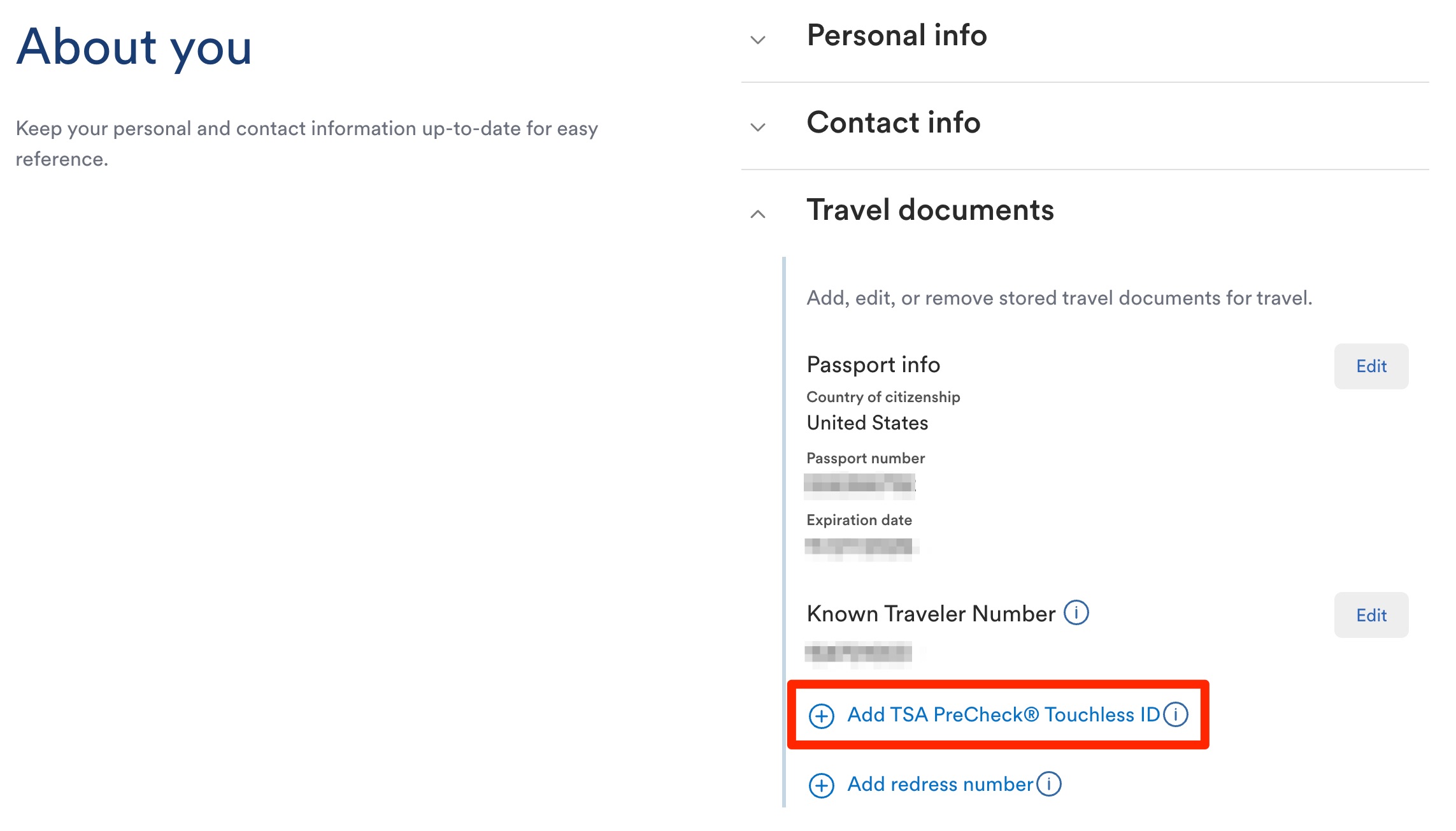
On travel day, look for the Touchless ID indicator on your boarding pass and head to the designated TSA PreCheck Touchless ID lane.
American Airlines
Log in to your AAdvantage account and make sure your profile includes both your TSA PreCheck Known Traveler Number and a valid passport. You'll find this in the “Settings” section of your profile under “Information and password.”
In this same section, you can opt in to TSA PreCheck Touchless ID near the bottom. You can also do this during the check-in process in the American Airlines app.
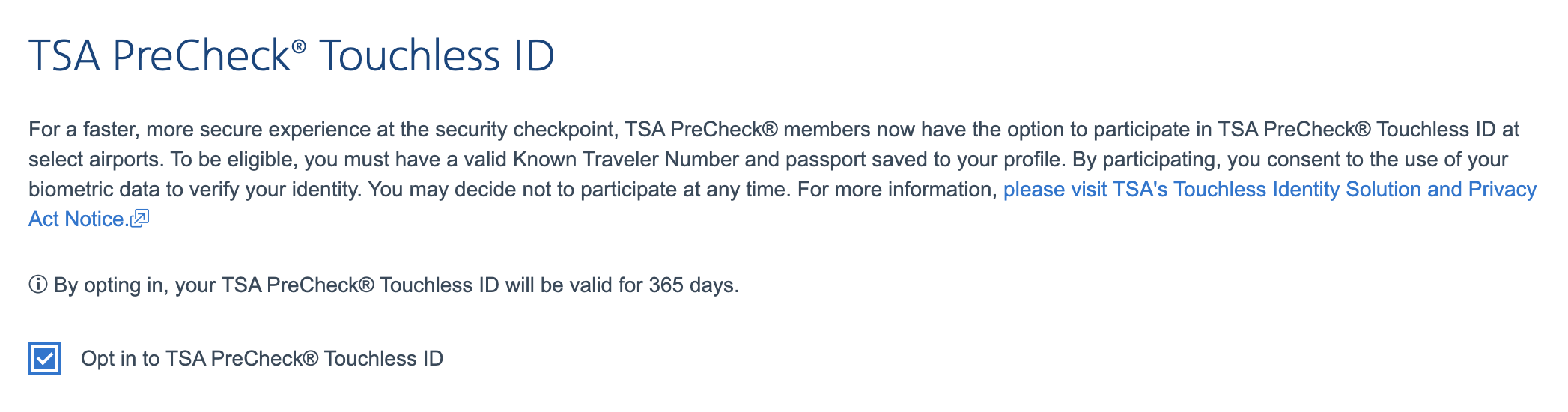
On travel day, check in via the app and look for the Touchless ID indicator on your mobile boarding pass – if it’s there, you can use the dedicated lane at participating airports.
Delta Air Lines
Once you're logged in to your SkyMiles account (either on Delta’s website or the Fly Delta app), you'll need to make sure your profile includes your KTN and a valid passport – just like every other eligible airline.
You'll find all of this info – including the option to opt in to Touchless ID (or “Delta Digital ID”) under the “personal details” section of your SkyMiles profile.
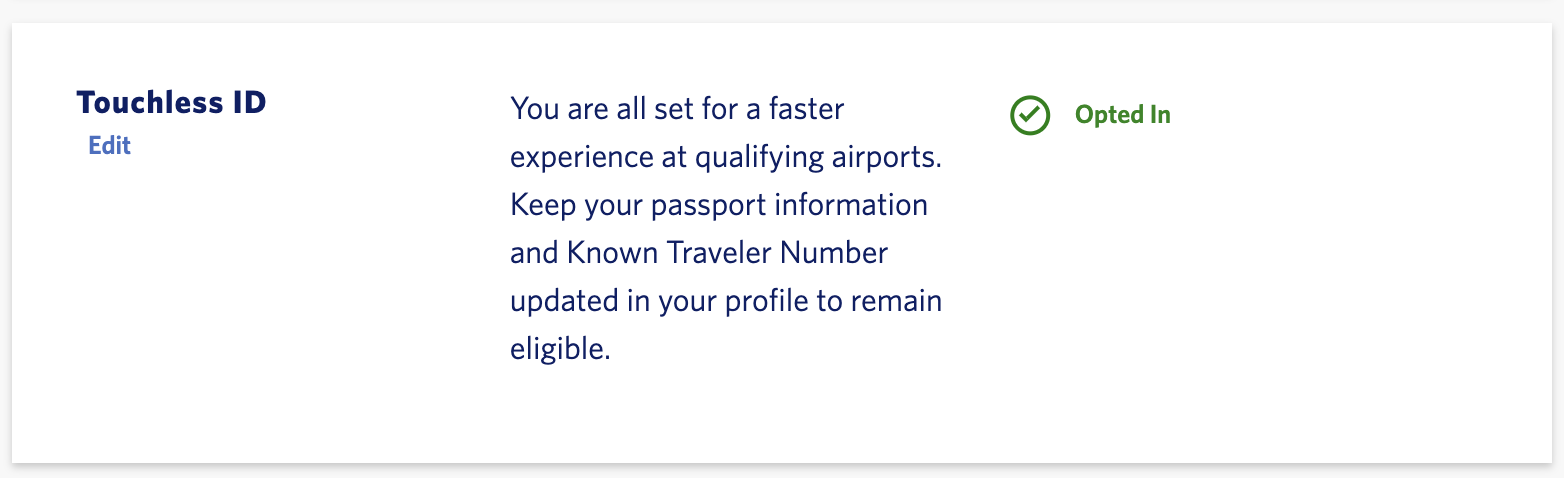
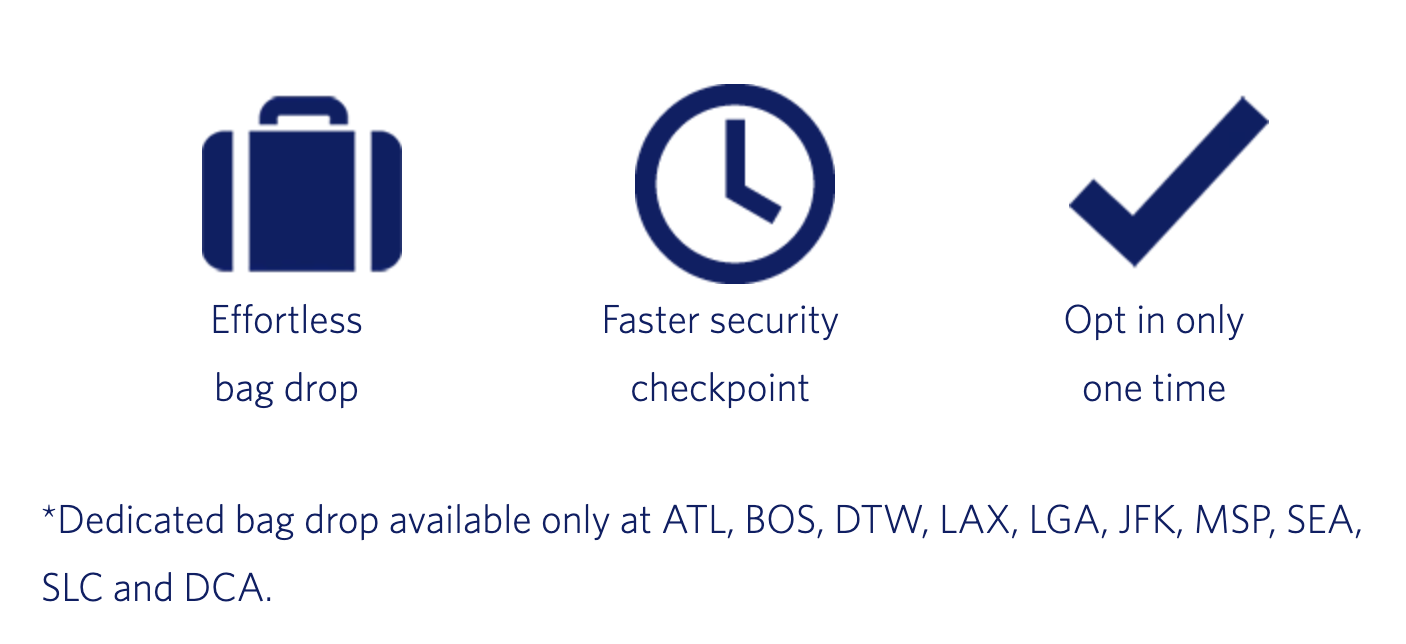
Opting in to Touchless ID with Delta is actually a two-for-one deal: You'll also get access to Delta's touchless bag drop at select airports, too.
Southwest Airlines
Stop me if you've heard this before: You'll need to start by logging in to your Rapid Rewards account – but unlike some of the other airlines on this list, you'll need the Southwest app to get it done.
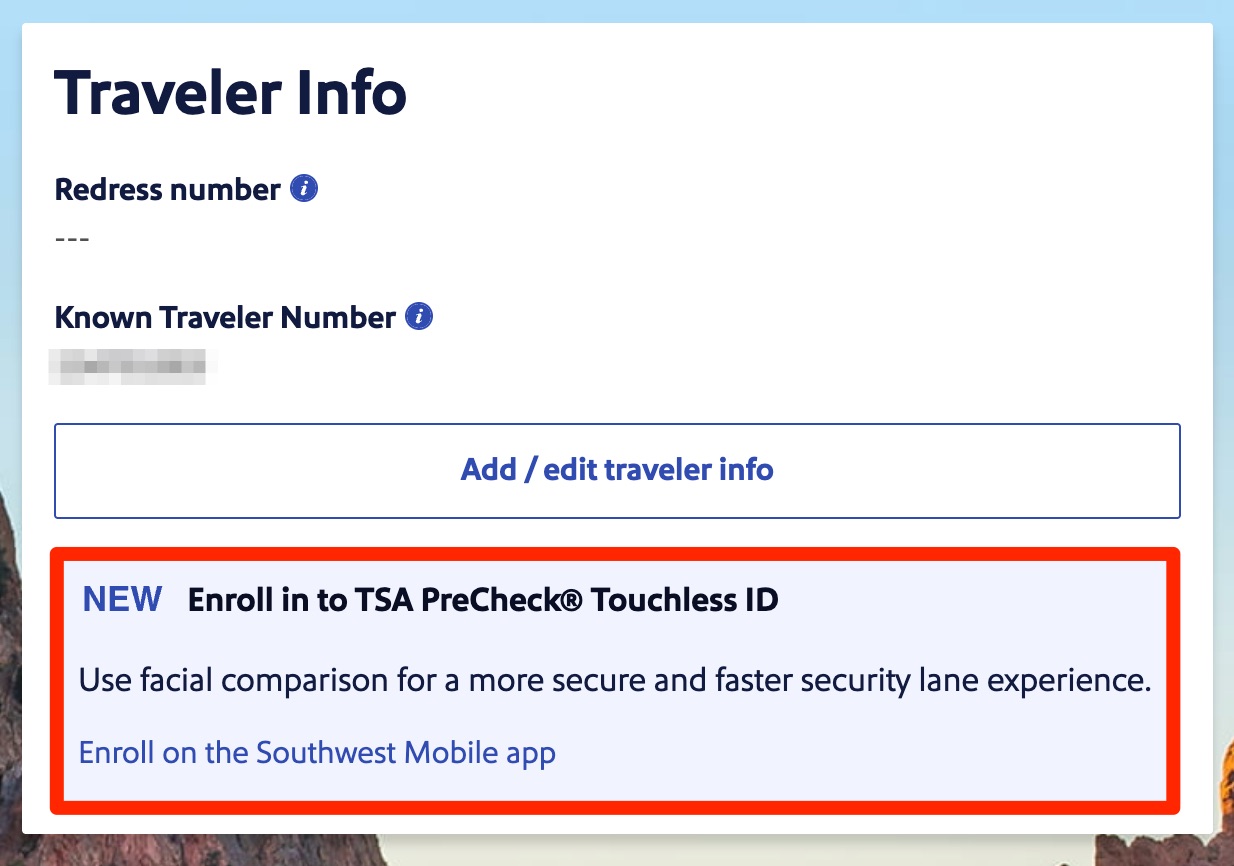
Under the profile section of the app, select TSA PreCheck Touchless ID, scan your passport, enter your Known Traveler Number, and opt in.
Once you’re enrolled, check in for a future flight using the app and look for the Touchless ID indicator on your mobile boarding pass. No indicator? No access. You’ll also need to use a mobile boarding pass to use the lane.
United Airlines
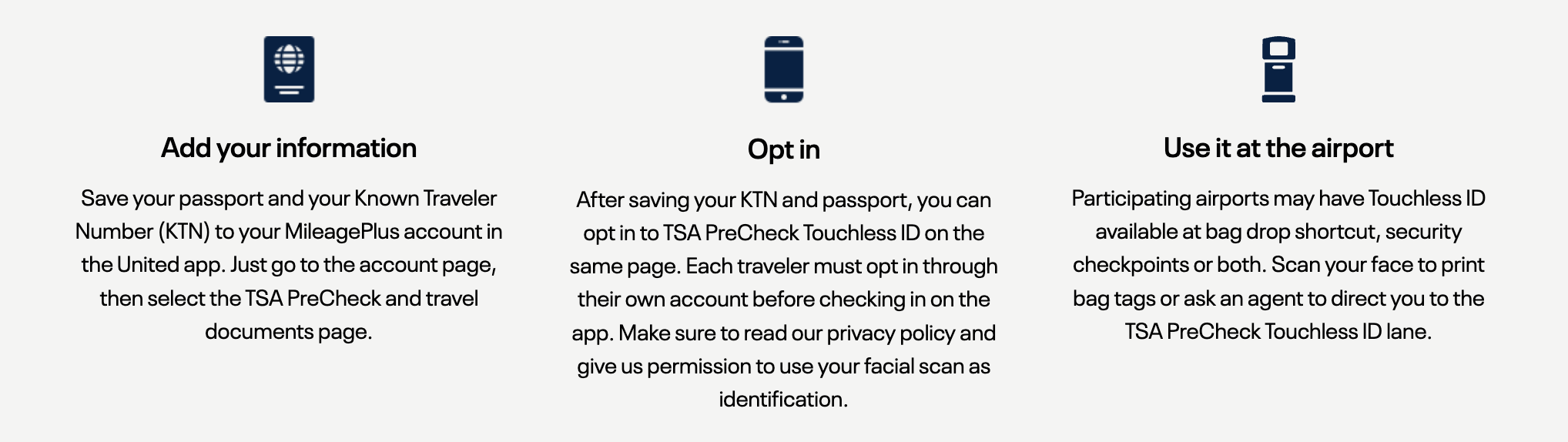
Log in to your MileagePlus account in the United app, then head to your profile settings – look for the section labeled “TSA PreCheck and travel documents.” Add your Known Traveler Number and passport details if they’re not already there, then opt in to Touchless ID.
You may also be prompted to opt in during check-in when using the United app for eligible trips.
As with every airline, this only works with TSA PreCheck and at select airports – and don't forget, you should still carry a physical ID with you.
Bottom Line
With airport security lines stretching for hours, even TSA PreCheck isn’t the sure bet it used to be. But TSA PreCheck Touchless ID offers a potential workaround – using facial recognition to speed up ID checks and, more importantly, access lines that are often much shorter.
Featured image courtesy of TSA